Tata Sierra EV DrivePay Guide: Your EV is Your Phone Now
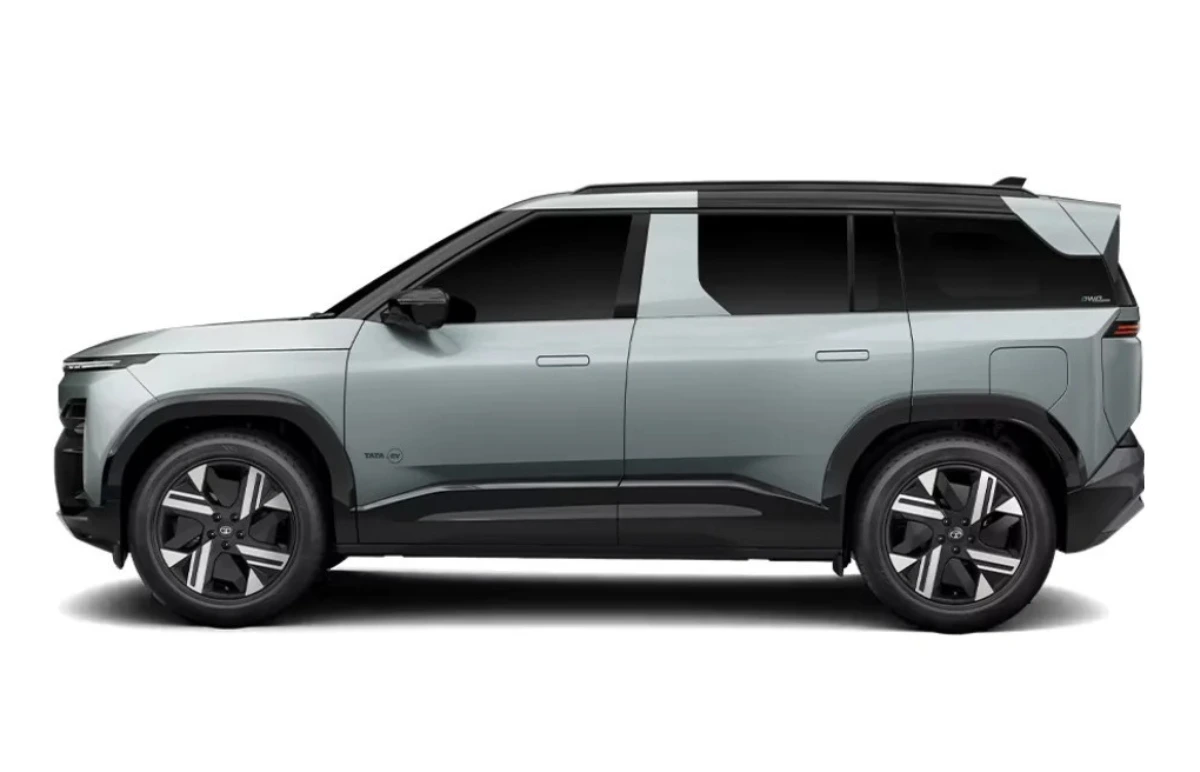
Have you ever imagined that you could pay for a quick coffee or your fast-charging processes seamlessly via your car? This is reality as Tata Sierra EV has introduced a DrivePay feature which is a revolutionary feature enhancing the smart-cabin experience by transforming your electric SUV into a highly connected smart device.
How to use DrivePay in Sierra EV?
This feature is integrated into Sierra EVs large 12.3-inch touchscreen interface. What DrivePay does is it acts like your secure in-car payment gateway. Below is a detailed procedure of how it works.
- Sync Up: First, connect your preferred UPI or digital wallet to the Tata EV infotainment system.
- Select & Tap: Whether you are paying for a fast-charging top-up at a TATA.ev Mega Charger, passing through a highway toll, or buying apps in Arcade.ev, the payment prompt displays automatically on your center screen.
.webp)
- Approve Instantly: All you have to do is just a tap on your dashboard, and the transaction is securely authenticated. You don’t need phones, or physical cards.
The Ultimate EV Convenience
The Sierra EV is an ideal product not because of the massive 665 Km range or Alpine windows, but the sheer convenience it brings with advanced functionality like DrivePay, which ensures you spend less time looking for cash and just enjoy the drive.

.webp)